
# f01
-
- 1 comment
- 1887 views
-
- 20 comments
- 3957 views
-
- 10 comments
- 1726 views
-
- 3 comments
- 619 views
-
- 3 comments
- 923 views
-
- 2 comments
- 937 views
-
- 5 comments
- 813 views
-
- 1 comment
- 398 views
-
- f02
- f01
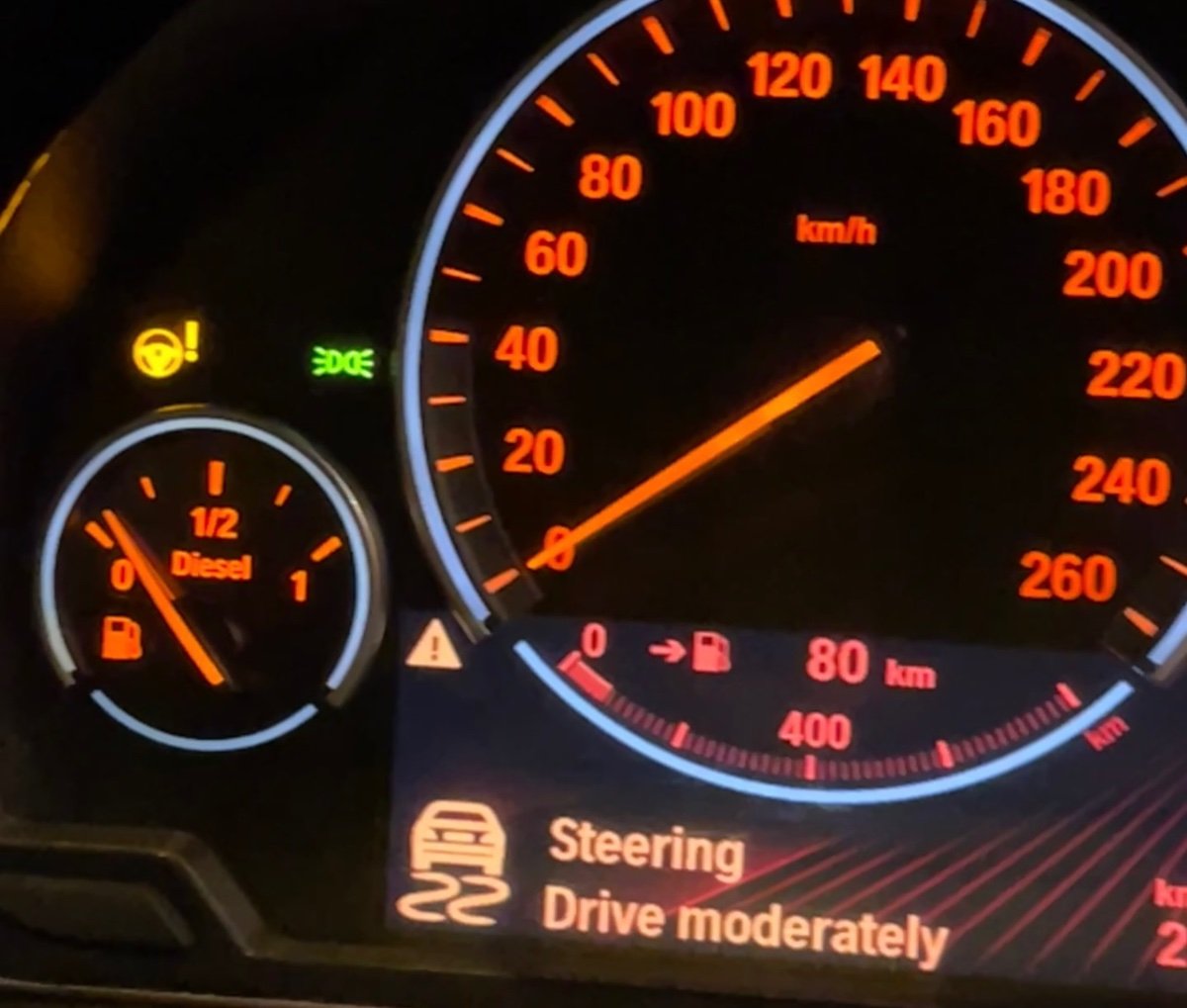
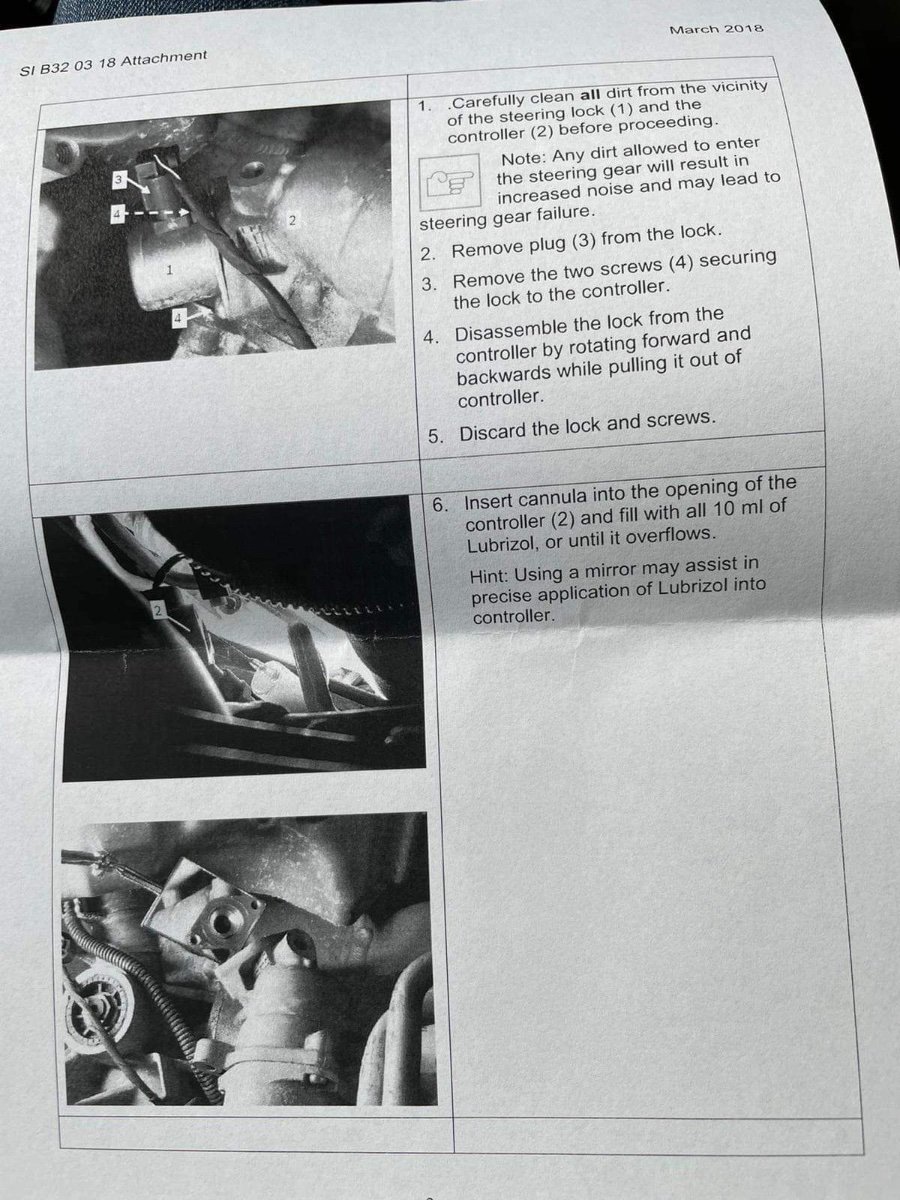
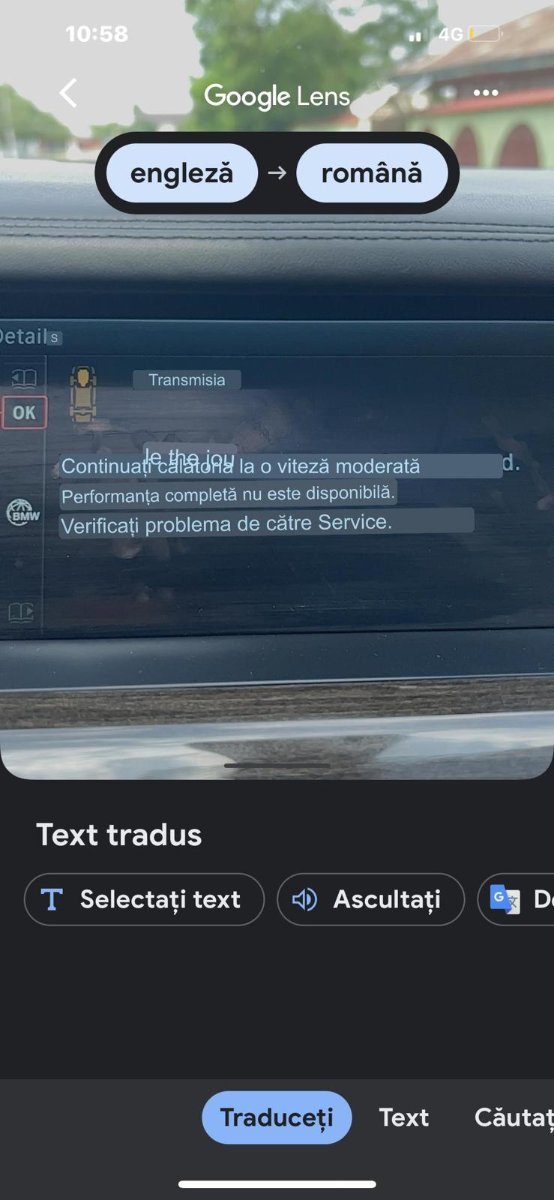
- volan trage
- trage stanga/dreapta
-
Tagged with:
- 18 comments
- 1862 views
-
- 14 comments
- 1614 views
-
- 2 comments
- 504 views
-
- 4 comments
- 2264 views
-
- 7 comments
- 1426 views
-
- 4 comments
- 1377 views
-
- 2 comments
- 1114 views
-
- 7 comments
- 1603 views
-
- 1 comment
- 2132 views
-
- 2 comments
- 679 views
-
- 11 comments
- 7492 views