


Everything posted by Romulus
-
-
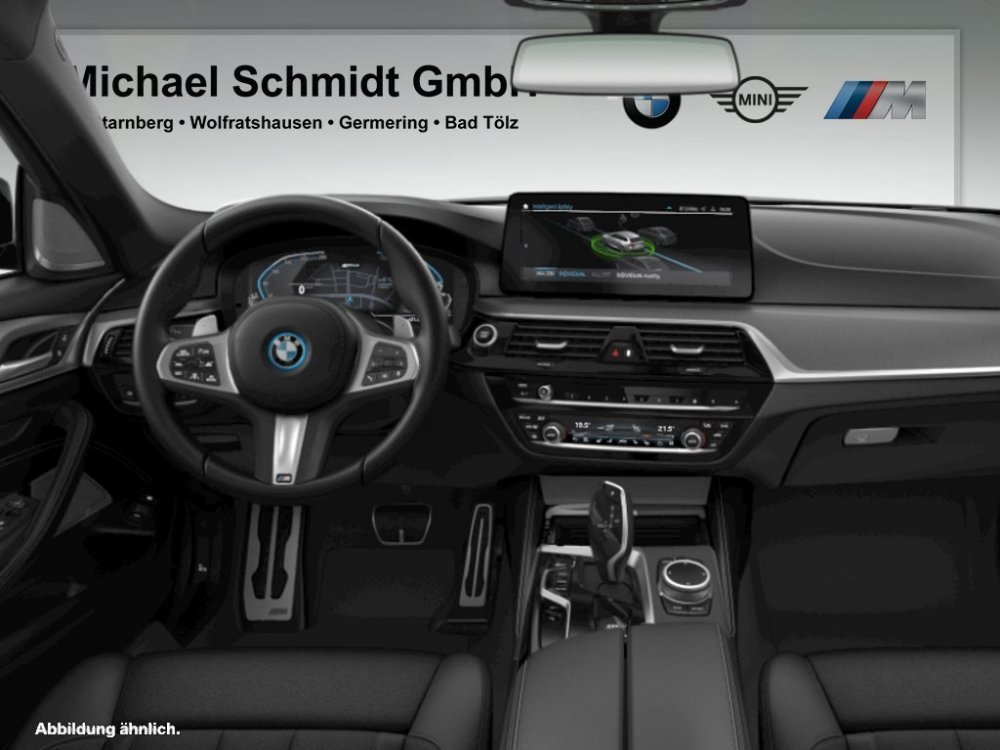
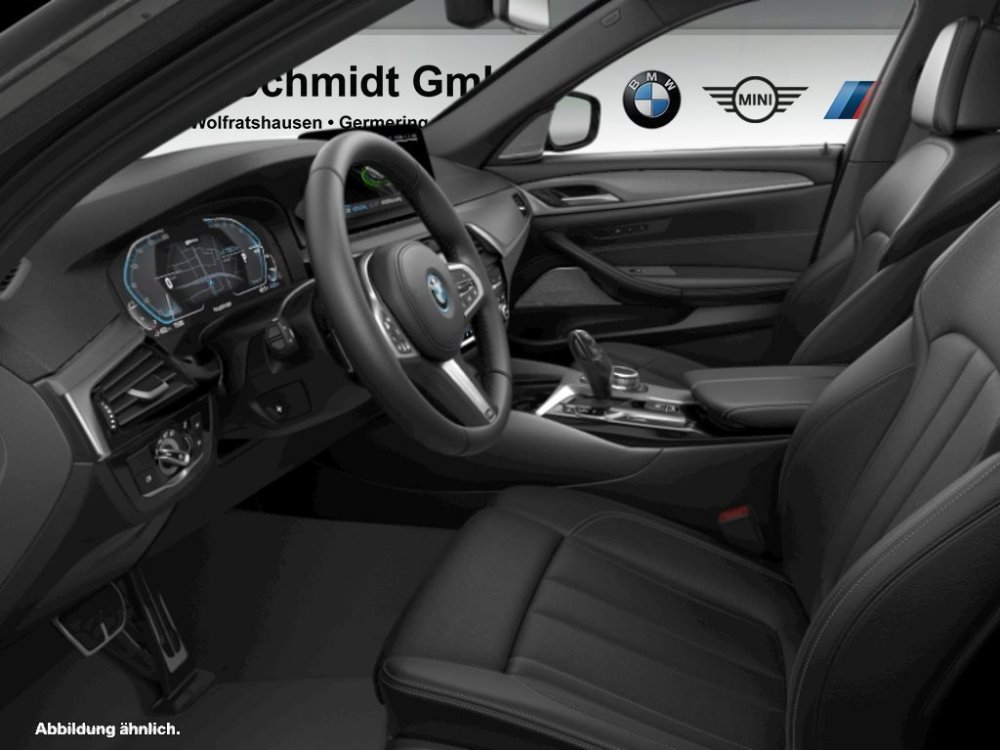
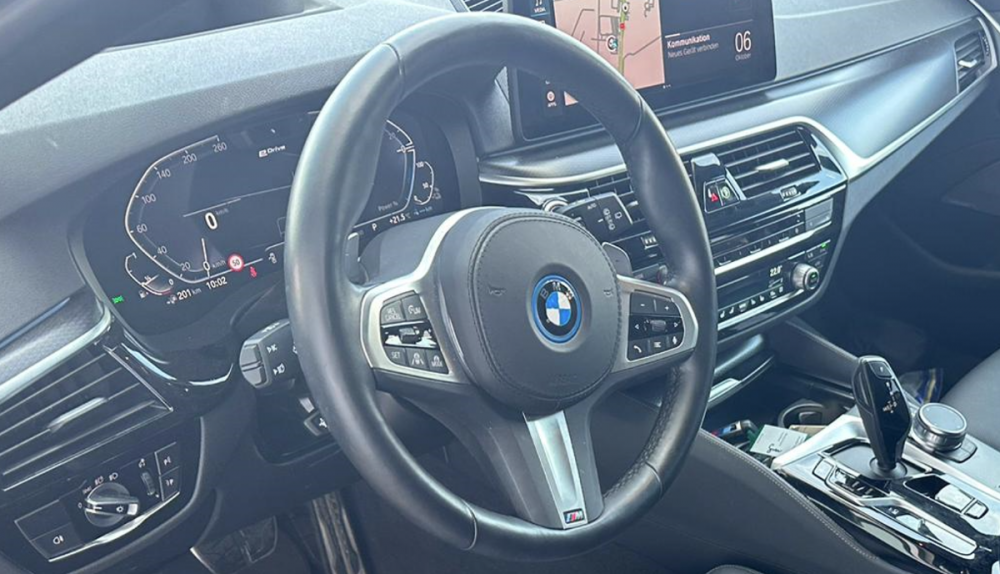
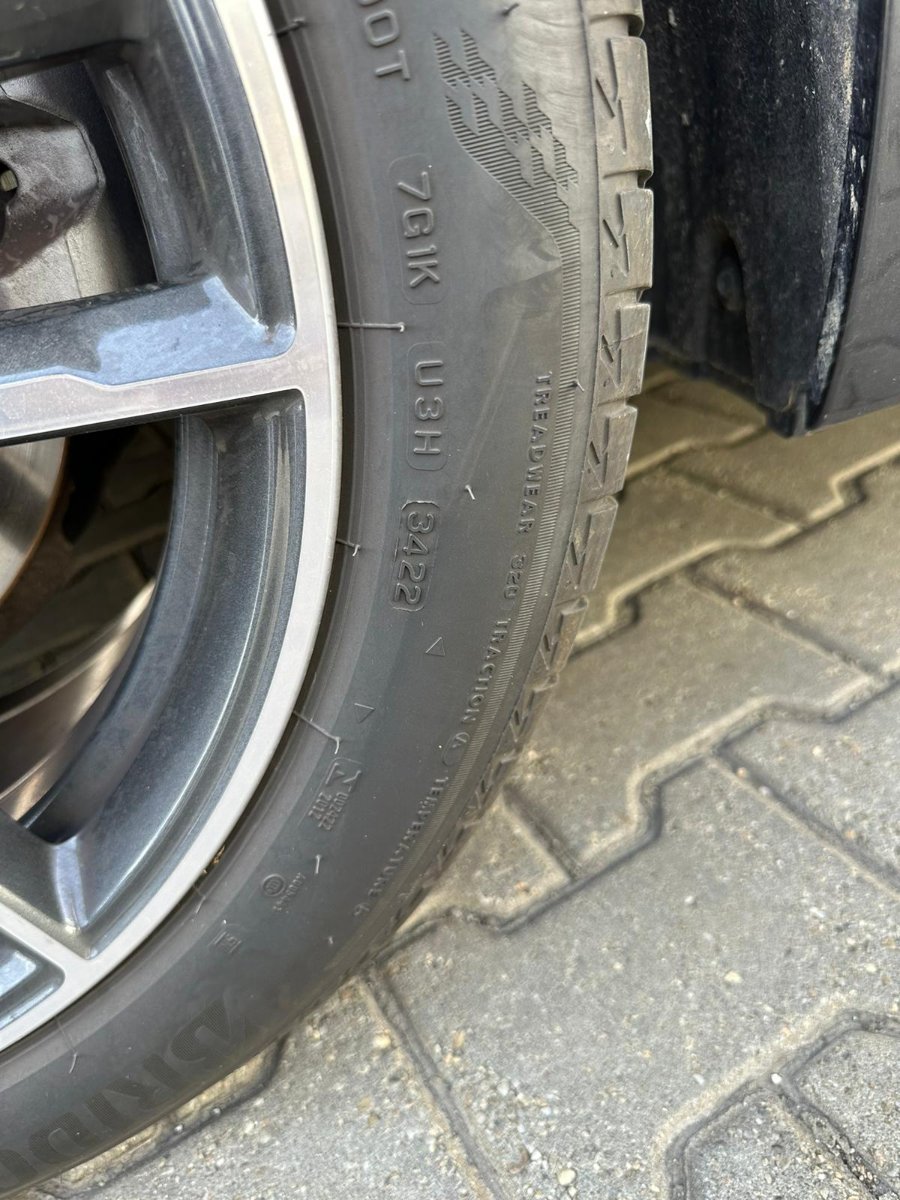
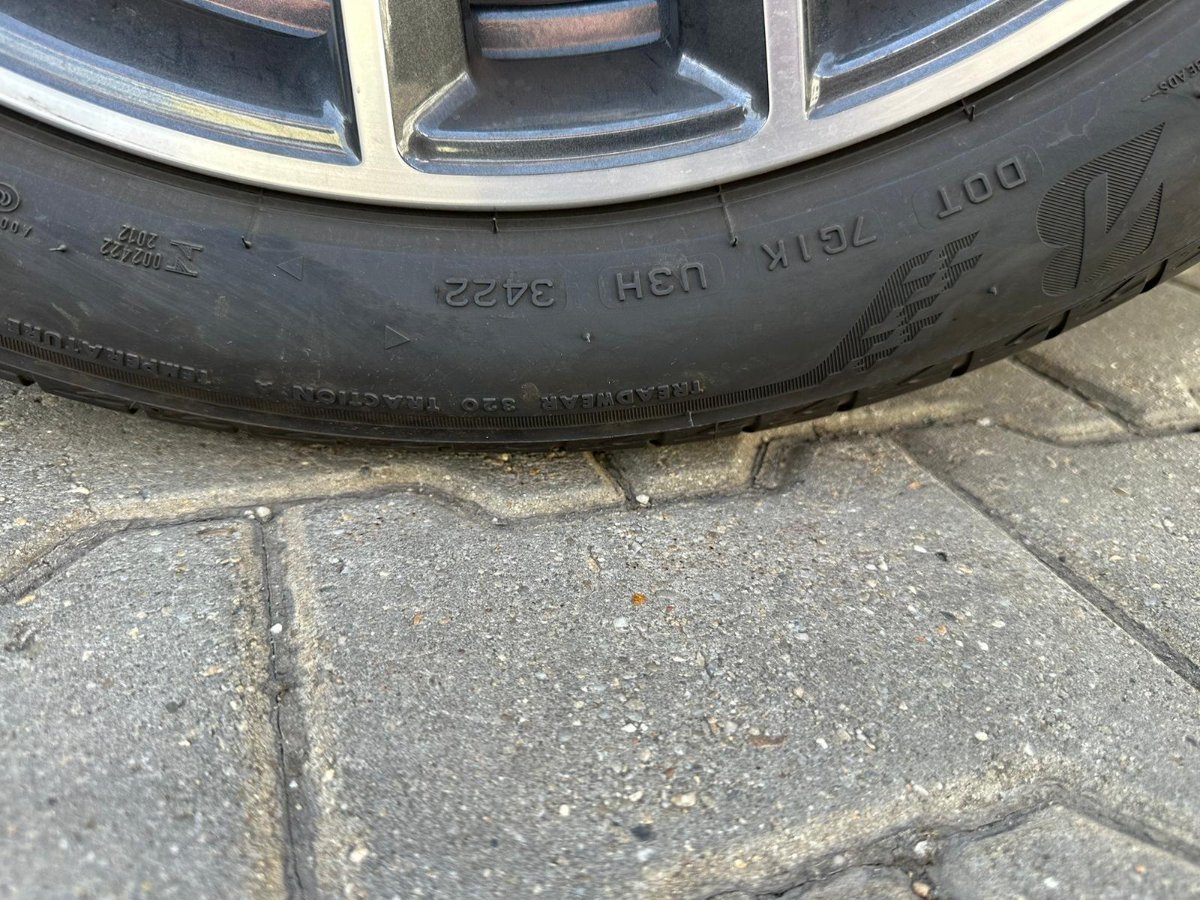
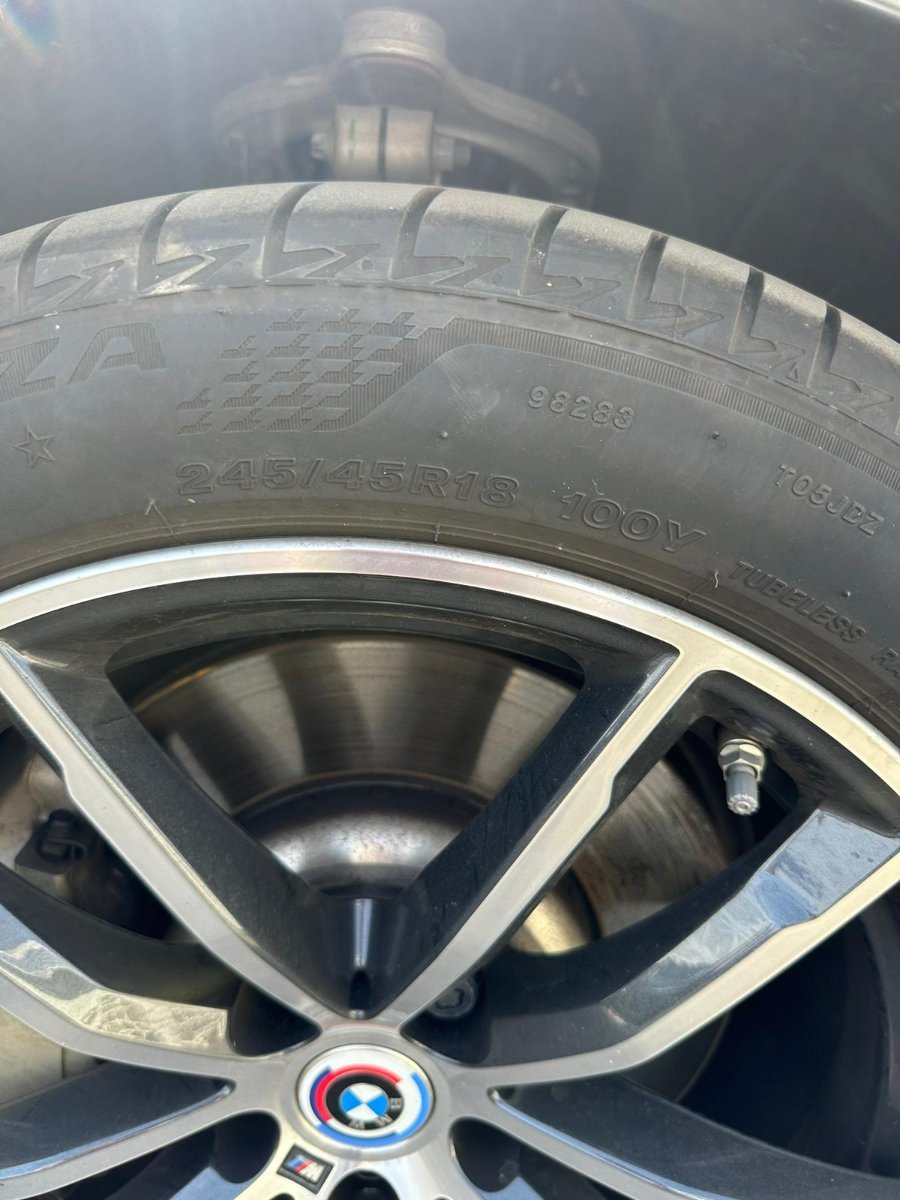
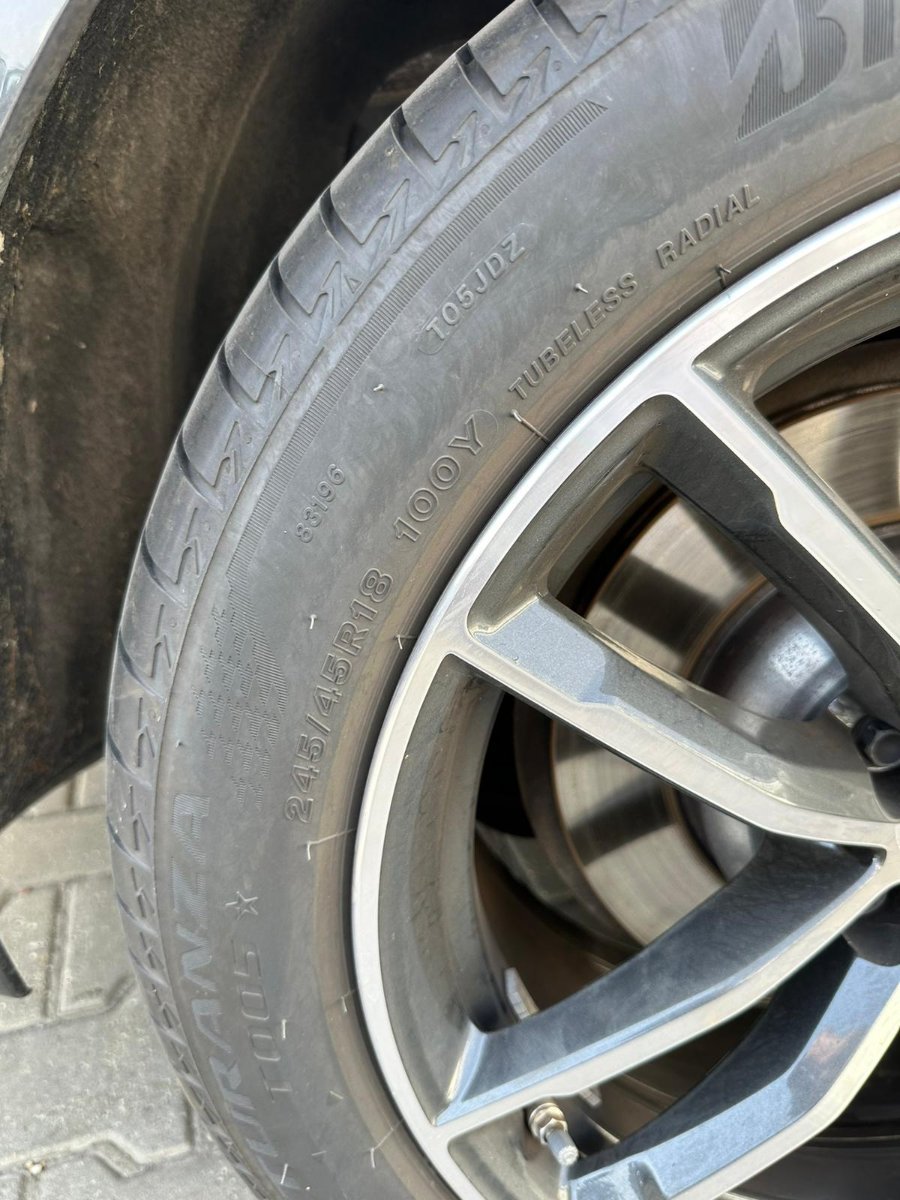
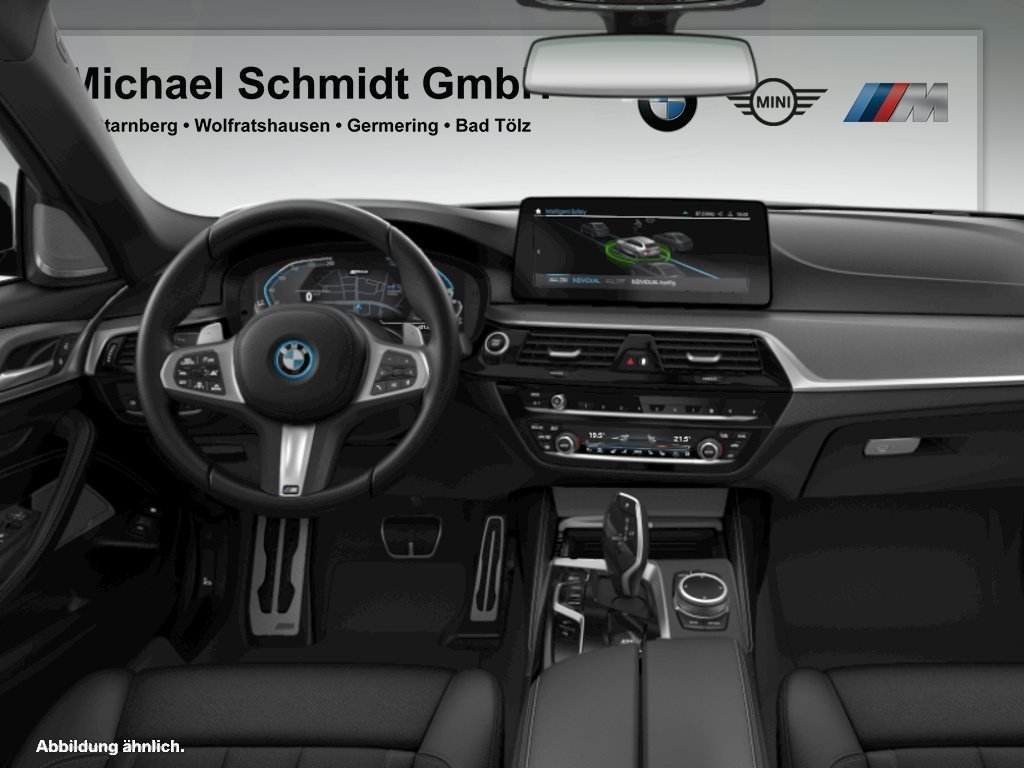
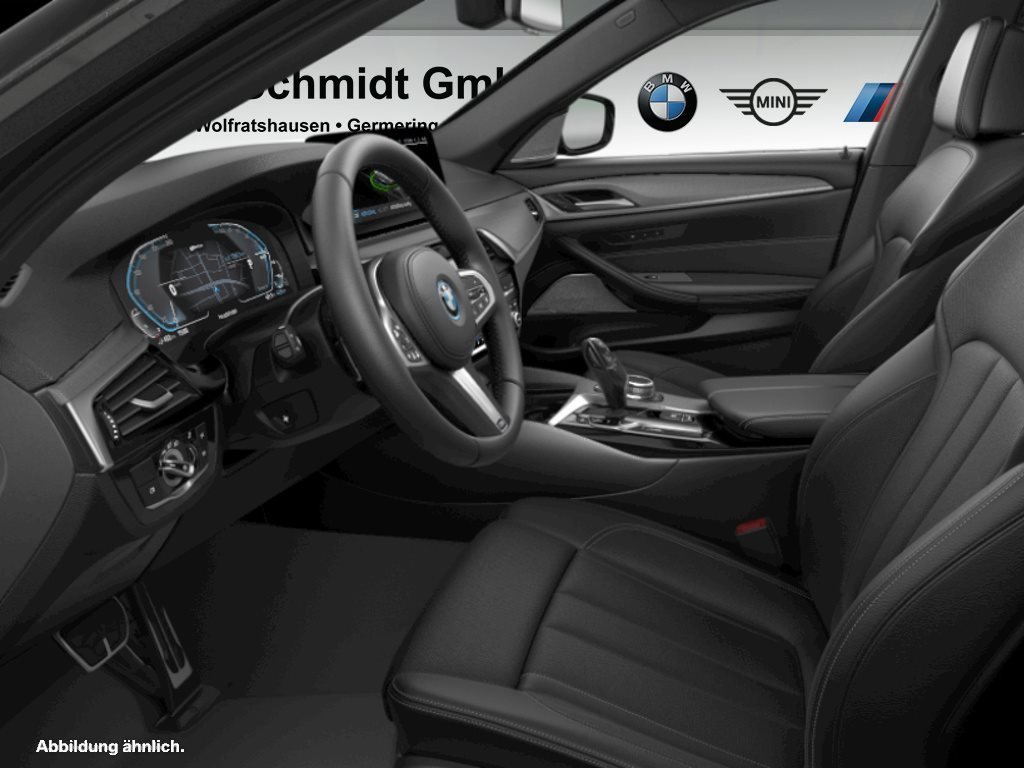
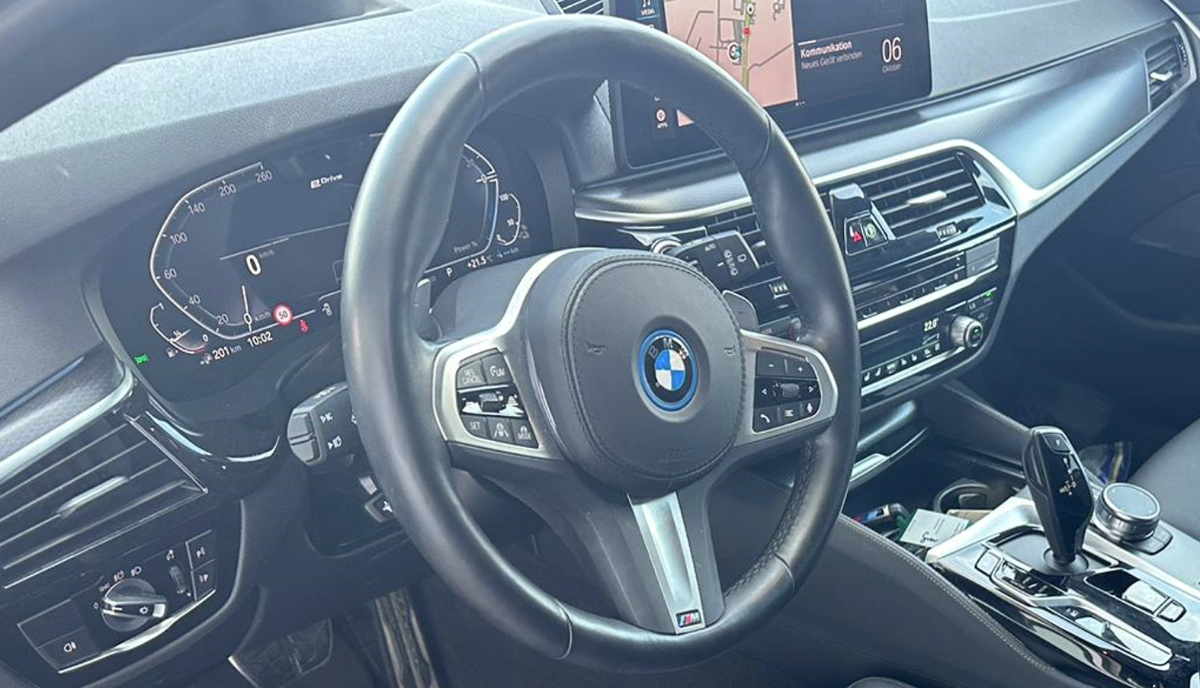
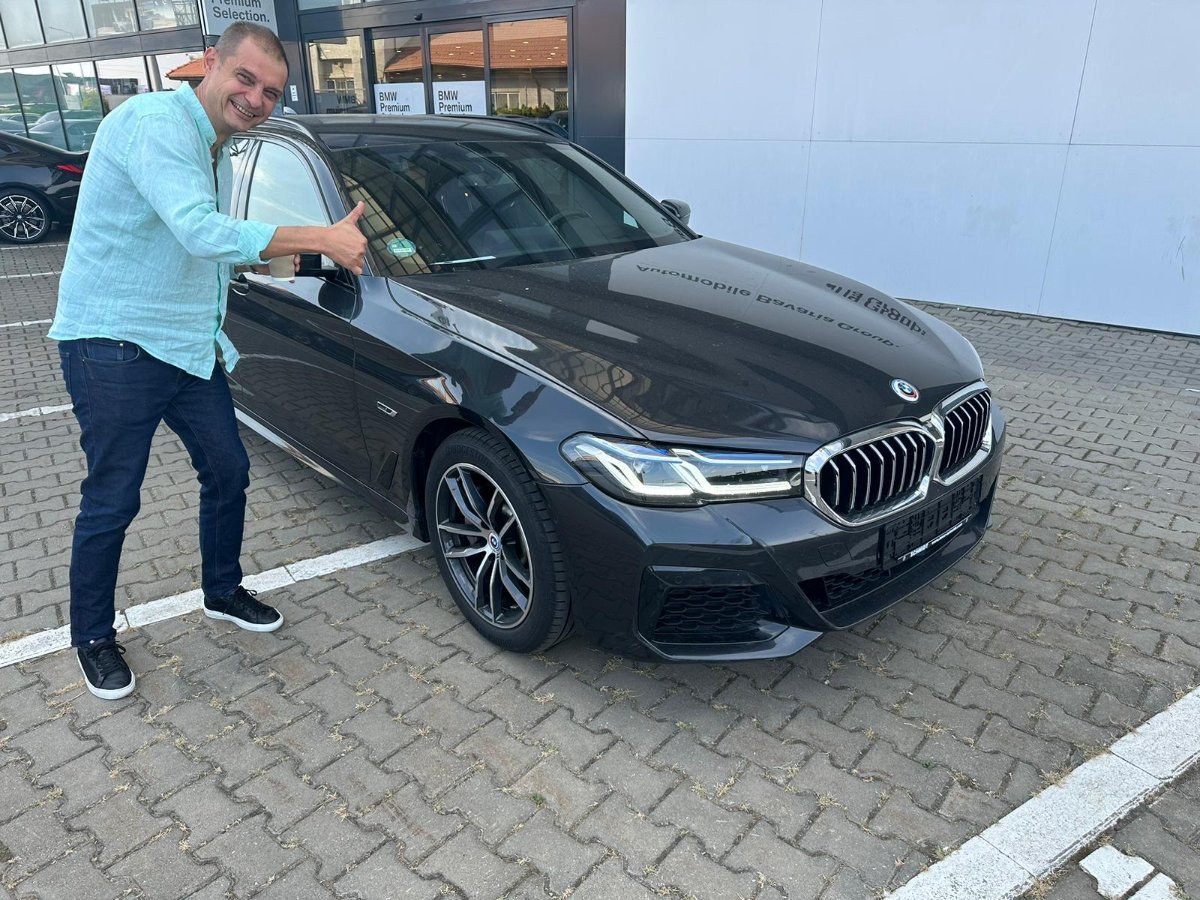
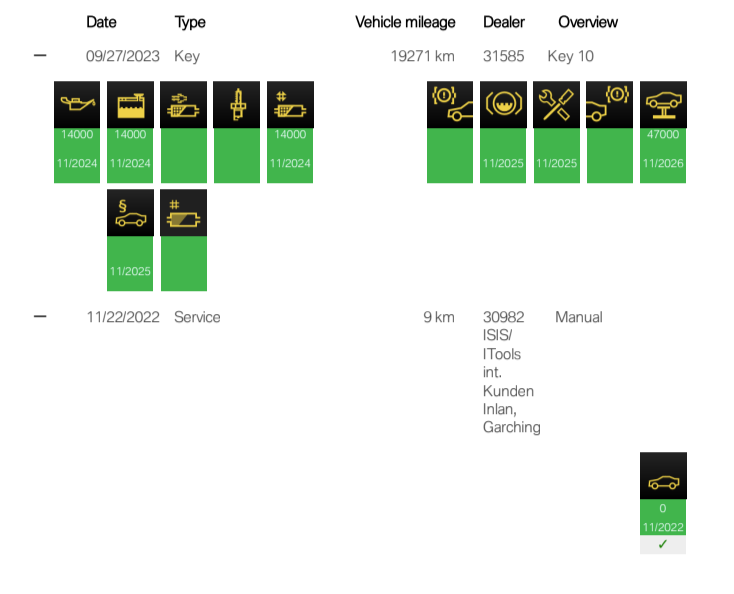
Care a fost reprezentanta?Sunt convins ca cei de pe club, cam toti știu toate șmecheriile astea sau măcar aproape toate, dar pe de altă parte, sigur fiecare putem găsi una care nu o știam... Poate o sa le traduc în limba romana pentru gugăl la un moment dat... Partea I 0:00 Intro 0:38 Key Fob Tricks 3:00 Checking Presets 3:16 Siri Voice Command 3:46 Winter Wiper Mode 5:00 Launch Control 6:00 Left Paddle Long Pull 6:34 Reset Trip Computer 6:55 Secret Service Menu 7:36 Trunk Close Button 8:05 Reverse Tilting Mirror 8:37 Disable Engine Start Stop (Patch) 9:05 Lock Car Without Key 9:35 Park Car While In Sport Shift Mode 9:55 Auto H 10:48 Kick To Open Trunk 11:33 iDrive Reboot 12:25 Dead Key Fob Entry & Start 13:29 Remove Cargo Cover 14:07 Cargo Trunk Rails 14:32 Cargo Net Hooks / Grocery Hooks 14:45 Fold Down Rear Seats 15:08 Gas Cap Holder 15:34 Battery Jump Start (Positive & Ground) 16:08 Garage Door Buttons 16:44 Climate Control Rules 17:41 Tilt Sunroof 17:55 Last Generation Heated Steering Button 18:45 Comfort Keyless Access 19:14 Gesture Control Sensor 20:01 Hidden Parking Assistance Plus Menu 20:56 iDrive Controller Touch 21:43 Advanced Voice Commands 23:08 Turn Off Lane Departure Steering Intervention 24:09 Conclusion Partea II 00:00 Introduction 01:11 Emergency Stop 02:10 Left Paddle Long Pull 02:53 Cruise Control MPH Increments 03:29 Child Lock 03:49 Phone Button HANG UP 04:12 Program Memory Buttons 05:03 Lower Window By Voice Command! 05:44 Create Climate Control SYNC Button 06:57 Sunroofs Extra Inch 07:33 SOS Button Double Push 08:05 Sun Visor Clip 08:49 Virtual Owners Manual 09:27 Fix Navigation Arrow Orientation 10:15 Reset Trip Computer & Refueling 12:15 Sirius Radio ID 13:11 Adjusting Trunk Height 14:20 Valet Parking Mode 15:44 Charge Phone 3x Faster (USB C) 16:30 Hill Descent Control (HDC) 17:29 BMW Digital Key Card 18:56 Extending Sun Visor 19:20 Cross Traffic Alert 19:55 Slide & Raise Headrest 21:05 Secret Compartment / Cubby 21:24 Conclusion Partea III 00:00 Introduction 00:40 Digital Keyboard 01:14 Rear Glass Wash 01:56 Sunroof Reset 02:51 Hidden Side Compartment 03:12 How / When to Use Preconditioning 04:12 Parking Lights 05:02 Rear Defroster / Rain Function 05:32 Window Drain 06:52 Automatic SOS 07:37 Double Pull Door Handle 08:00 Voice Microphone 08:20 Schedule Remote Start / Preconditioning 08:43 Change Central Display 10:12 Accidental Paddle Shifter Fix 11:00 Unlock All Doors When Parking 11:32 Turn Off Lock / Unlock Beeping Sounds 12:10 Change Drive Modes w/ Voice 12:46 Auto Open Side Mirrors 13:01 Tow Hook Mounting 13:40 Rear Middle Seat Fold 14:08 Conclusion Partea IV 00:00 Introduction 01:41 Seat / HeadRest 03:36 Side Mirrors 03:55 Steering Wheel Powered / Manual 04:40 Headlights 04:56 Display Brightness 05:16 Auto High Beams 05:52 Air Vents 06:26 BC Button Menus 06:59 Center Display 07:40 Heads-Up Display 08:25 Safety Settings 09:23 Climate Control / Sync 10:43 Program Buttons 11:38 Fold Mirrors When Locking 12:08 Trunk Height 12:51 Sound / Tone Settings 13:57 Key Button / Unlock All Doors 14:44 Home Screen Widgets 15:29 Enable Comfort Access 16:22 Interior / Ambient Lighting 17:38 Ride / Suspension Height 18:57 Personal Assistant / Wake Word 19:53 Navigation Arrow 20:30 Drive Recorder / Auto Record 21:58 ConclusionPoate mai se loveste cineva de aceasi intrebare... Nu stiu daca are sens sa inchid topicul. Poate sta asa linistit, nu cere impozit.@Viper05 interiorul e negru cu optiunile de mai sus. Am aici o poza generica... e identica. Masina e abia coborata de pe trailer, nu e curata, nu e cosmetizata. Pozele sunt doar ca sa o vad eu, dar probabil nici eu nu trebuia sa le primesc pana nu e curata. Am sa pun dupa ce ajunge la mine. Piele Dakota perforata, totul negru. La 19.000 km si sub un an, nu are cum sa arate rau.

Important Information
Prin folosirea acestui site, sunteti de acord cu Terms of Use. Gasiti aici Guidelines. Politica de cookies: We have placed cookies on your device to help make this website better. You can adjust your cookie settings, otherwise we'll assume you're okay to continue.
Account
Navigation
Search
Configure browser push notifications
Chrome (Android)
- Tap the lock icon next to the address bar.
- Tap Permissions → Notifications.
- Adjust your preference.
Chrome (Desktop)
- Click the padlock icon in the address bar.
- Select Site settings.
- Find Notifications and adjust your preference.
Safari (iOS 16.4+)
- Ensure the site is installed via Add to Home Screen.
- Open Settings App → Notifications.
- Find your app name and adjust your preference.
Safari (macOS)
- Go to Safari → Preferences.
- Click the Websites tab.
- Select Notifications in the sidebar.
- Find this website and adjust your preference.
Edge (Android)
- Tap the lock icon next to the address bar.
- Tap Permissions.
- Find Notifications and adjust your preference.
Edge (Desktop)
- Click the padlock icon in the address bar.
- Click Permissions for this site.
- Find Notifications and adjust your preference.
Firefox (Android)
- Go to Settings → Site permissions.
- Tap Notifications.
- Find this site in the list and adjust your preference.
Firefox (Desktop)
- Open Firefox Settings.
- Search for Notifications.
- Find this site in the list and adjust your preference.