
# x3
-
- 9 comments
- 915 views
-
- 24 comments
- 2331 views
-
- 15 comments
- 4260 views
-
- 4 comments
- 679 views
-
- 246 comments
- 19254 views
-
- 3 comments
- 573 views
-
- 8 comments
- 1347 views
-
- f25
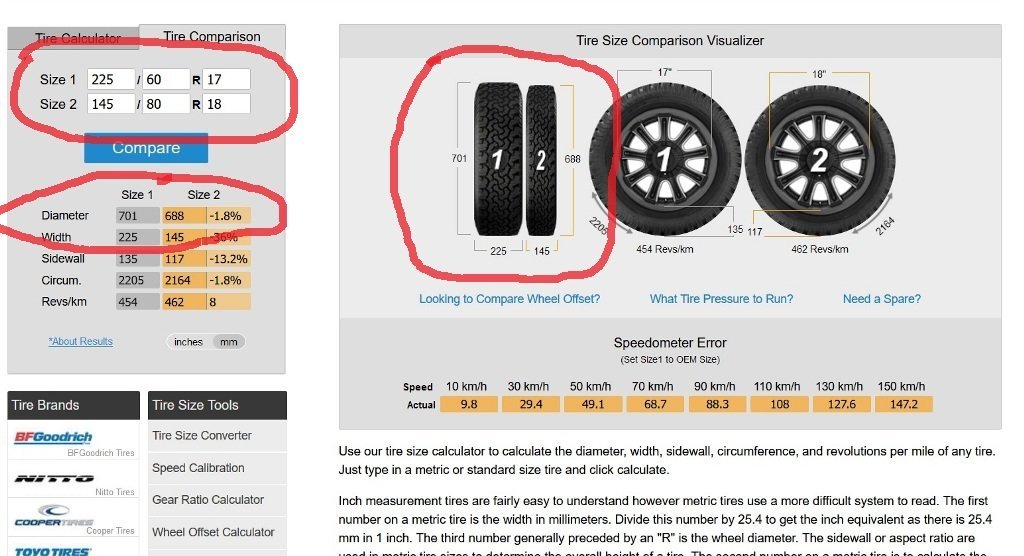
- roata de rezerva
- x3
- seria x
-
Tagged with:
- 40 comments
- 5661 views
-
- 3 comments
- 699 views
-
- 1 comment
- 651 views
-
- 2 comments
- 1010 views
-
- 2 comments
- 1515 views
-
- 2 comments
- 503 views